Editorial update - September 8, 2026: This launch article originally grouped Community Percentiles, Controller Passports, an AI diagnostic concierge, and tournament certification together as future concepts. Community Percentiles, Controller Passport, and the AI Diagnostic Concierge are not currently available. GPADLAB Tournament Certification is now defined as GPADLAB's own benchmark standard for controller condition testing and pre-tournament checks, not third-party tournament accreditation.
Why we built this
Basic controller testers are useful for answering questions such as whether a button registers or where an analog stick is resting, but raw values alone do not always tell a user what the result means or what to do next.
GPADLAB was built around a broader idea: pair browser-observable controller data with clearer interpretation, device-specific context, troubleshooting guidance, and published methodology. The goal is not to pretend a browser can measure everything about controller hardware. It is to make the measurements the browser can observe more understandable and more useful.
What's actually different today
Three parts of the current platform matter most.
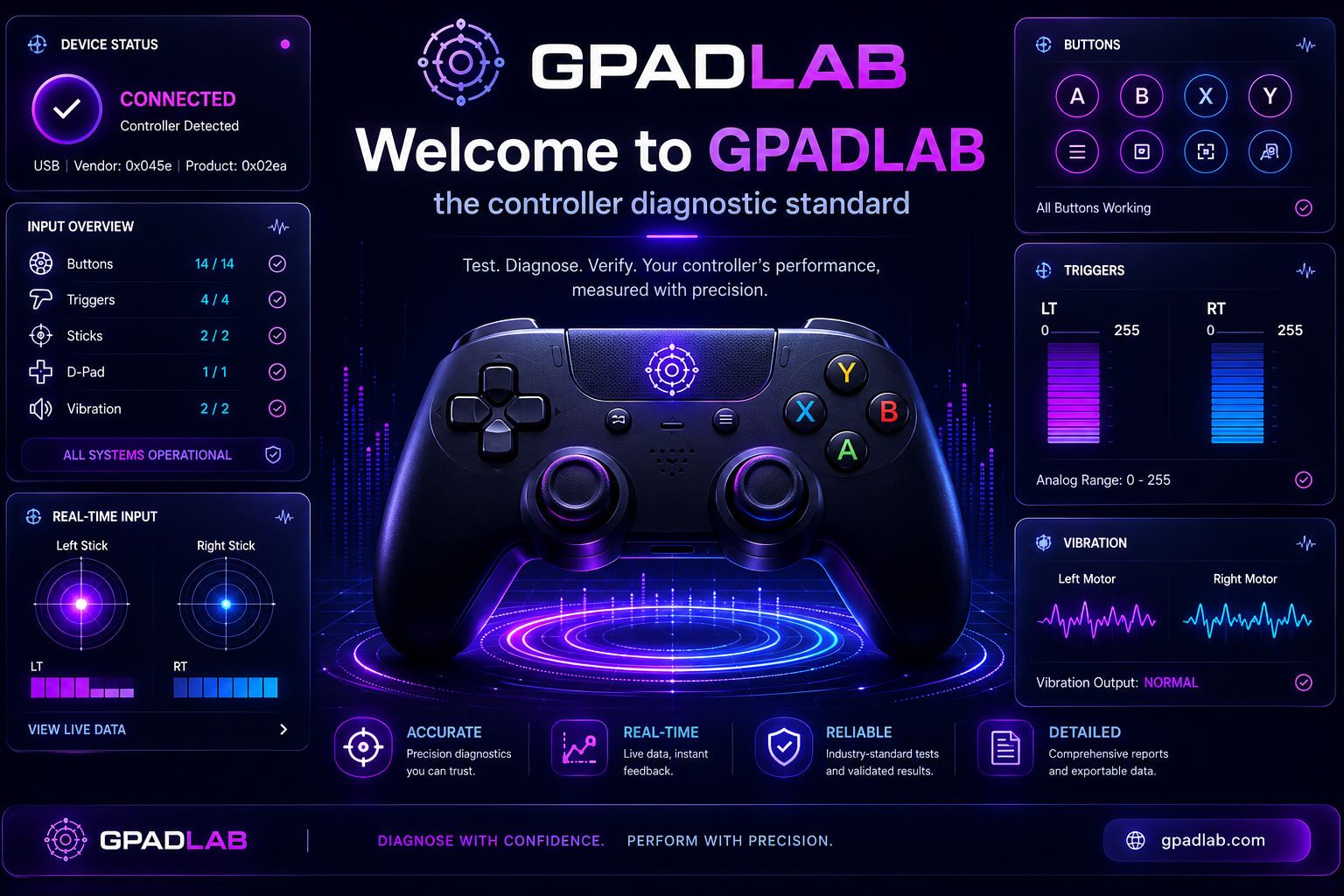
One composite score. The Controller Health Score summarizes six benchmark stages on a 0-1000 scale. Stick drift and button response carry more weight than lower-weight stages such as connection stability. The score is a GPADLAB browser-based summary, with the individual stage results available alongside the composite rather than hidden behind a single grade.
A broader diagnostic toolkit. GPADLAB now includes focused tools for controller sticks, buttons, triggers, timing, connection behavior, vibration-related features, and other browser-observable inputs, alongside device-specific pages and troubleshooting content. Not every hardware capability is exposed equally by every browser, operating system, or controller, so individual tool limitations still matter.
Local-first controller results. Core diagnostic measurements are processed in the browser. The current benchmark can retain recent result history locally in the browser where that feature is used, but GPADLAB does not currently upload those controller results into a community-results database.
What was in the original launch roadmap
The original version of this article described several ideas we wanted to build around GPADLAB. Some parts of that roadmap have since shipped, while others remain future concepts.
Shipped or substantially expanded:
- A larger diagnostic toolset - GPADLAB has expanded well beyond the original basic controller tests.
- Device-specific controller pages - the site now provides dedicated pages for a broad range of PlayStation, Xbox, Nintendo, and third-party controllers.
- The Fix section - symptom-driven troubleshooting content now connects common controller problems with relevant diagnostic tools and next steps.
- GPADLAB Tournament Certification standard - the Controller Benchmark uses a GPADLAB-defined certification standard for controller condition testing and pre-tournament checks. It is not accreditation or approval from an esports league, tournament organizer, console manufacturer, or independent certification body.
Not currently available:
- Community Percentiles - GPADLAB is not currently collecting benchmark results into a population database for percentile comparisons.
- Controller Passport - there is no permanent public controller-history URL service in the current product.
- AI Diagnostic Concierge - there is no live AI-driven diagnostic workflow that automatically selects and interprets controller tests.
If any of these concepts are introduced later, the relevant product pages and privacy documentation will be updated before they are treated as current functionality.
How GPADLAB handles diagnostic data today
The controller-testing experience is designed around local browser processing. Controller state and test measurements used by the diagnostic tools are processed on the user's device rather than being uploaded into a GPADLAB benchmark database.
That does not mean the entire website operates without any data processing. GPADLAB separately uses site analytics and receives information users intentionally submit through contact or contributor forms. Those systems are described in the Privacy Policy and are separate from core controller diagnostic results.
How to follow along
Follow @gpadlab for product updates. The methodology section is expanded as testing methods are documented, and the GPADLAB codebase continues to evolve alongside the site.
Welcome. Let's find out what your controller is really doing.
Common questions
Is GPADLAB free to use?+
Do I need to install anything?+
Which controllers are supported?+
How is the Controller Health Score calculated?+
Can I share my Health Score?+
What happened to Community Percentiles and Controller Passports?+
Founder of GPADLAB and the lead author behind our testing methodology. Twelve years building consumer hardware diagnostics and a long-time competitive shooter on PC.