Wii U Pro Controller Controller Test
The Wii U Pro Controller test checks Nintendo's 2012 dual-stick pad in your browser — its clickable analog sticks, digital D-pad, and face buttons. Note the ZL/ZR triggers are digital, not analog, so they read on/off. Connect over Bluetooth (the USB port only charges), press any button, and check every input including stick drift.
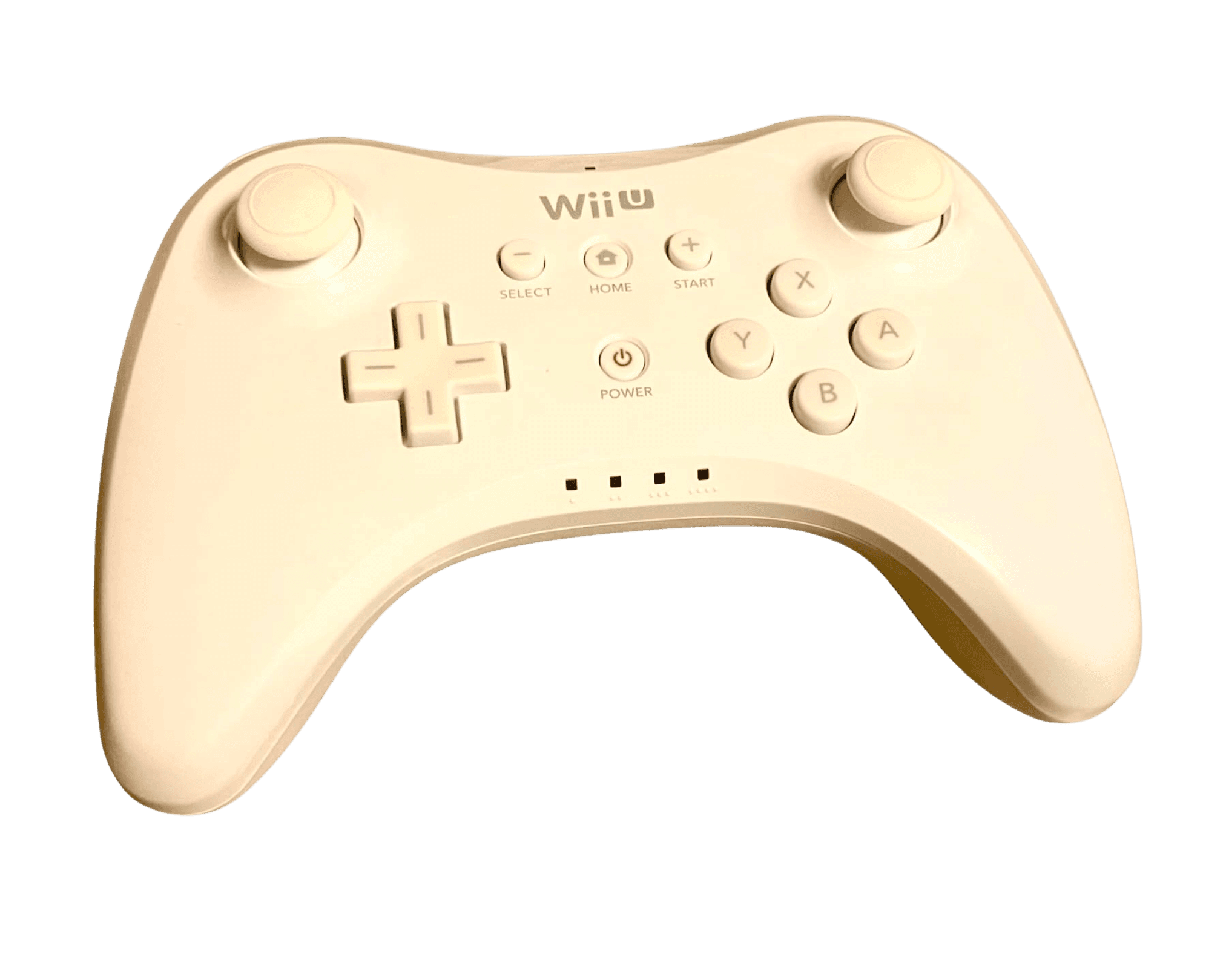
Full Wii U Pro Controller diagnostic
The Controller Benchmark runs the subsystems the Wii U Pro exposes — analog sticks, deadzone, button response, and latency. Because the triggers are digital, they register as buttons rather than analog ranges. The aging potentiometer sticks are the thing to watch: a clean drift result means they've held up well over the years.
Wii U Pro Controller hardware specifications
| Specification | Wii U Pro Controller |
|---|---|
| Connection | Bluetooth |
| Button count | 17 |
| Analog stick type | Potentiometer (susceptible to drift) |
| Gyroscope | No |
| Rumble / haptics | ERM motors (standard rumble) |
| Impulse triggers | No |
| Adaptive triggers | No |
| Touchpad | No |
| Built-in microphone | No |
| Built-in speaker | No |
| Back paddles | No |
| Battery life | ~80 hours |
| Weight | 240 g |
| Release year | 2012 |
| MSRP | $49.99 USD |
Recommended tests for Wii U Pro Controller
Each test runs in your browser via the Gamepad API — no install, no account, no upload. Run any individually, or use the full benchmark above.
Known Wii U Pro Controller notes
Recurring problems users report with this controller, ranked by frequency. Each links to a step-by-step fix guide.
- Common
USB port charges but doesn't connect to a host
The Wii U Pro's Mini-USB port only charges the battery — it carries no data. The controller connects to the Wii U or a PC exclusively over Bluetooth. On PC it appears as a generic DirectInput device, so an XInput wrapper like Steam Input is needed for most modern games.
View fix guide - Occasional
Triggers are digital, not analog
Unlike same-era PlayStation and Xbox pads, the Wii U Pro's ZL/ZR triggers are digital on/off switches. A trigger-pressure test will show them snap fully on or off rather than a smooth analog ramp — this is expected, not a fault.
View fix guide - Occasional
Analog stick drift on aged units
The potentiometer sticks can develop drift after a decade of use. The drift test will reveal center-noise; cleaning or replacing the stick module is the fix, though parts for discontinued 2012 hardware are increasingly scarce.
View fix guide - Common
Not compatible with Nintendo Switch
Nintendo did not make the Wii U Pro Controller forward-compatible with the Switch. It works on the Wii U and, unofficially, on PC over Bluetooth — but it will not pair with a Switch console.
View fix guide
How to connect the Wii U Pro Controller
Get your controller connected before running diagnostics — wired or wireless, mobile or desktop.
Pair over Bluetooth (Wii U)
Press the Sync button on the Wii U console, then the Sync button on the back of the Pro Controller. The console will register it; up to four can connect at once.
Charge via the USB cable
Plug the Mini-USB cable into any USB port to charge the 1300mAh battery — remember this connection only charges, it doesn't transmit input to a host.
PC use over Bluetooth
Pair the controller to a PC as a Bluetooth device. It shows up as a generic DirectInput controller, so enable Steam Input or an XInput wrapper for games that expect an Xbox-style pad.
Press any button to confirm in the browser
Browsers gate gamepad access behind a user gesture. Once paired over Bluetooth, press any button to expose the controller to the Gamepad API and run the tests.
Wii U Pro Controller vs the competition
Head-to-head reviews against the other controllers most buyers cross-shop.
- vs
Switch Pro Controller
The Switch Pro Controller is the direct successor, adding analog triggers' alternatives, gyro, NFC, and HD rumble; the Wii U Pro is the simpler, longer-battery predecessor with digital triggers.
- vs
GameCube Controller
Both are Nintendo classics popular in Smash; the GameCube controller has analog triggers and a unique layout, while the Wii U Pro offers a modern dual-stick shape and wireless play.
- vs
Joy-Con
The Joy-Con are the Switch's detachable modern controllers with motion and HD rumble; the Wii U Pro is a traditional one-piece gamepad from the prior generation.
Wii U Pro Controller definitions
Plain-language definitions for the terms used on this page. Each links to the full glossary entry with thresholds, mechanism, and FAQs.
Wii U Pro Controller questions
No. Nintendo did not make it forward-compatible with the Switch, so it won't pair with a Switch console. It works on the Wii U and, unofficially, on PC over Bluetooth as a DirectInput device.
No — the Mini-USB port only charges the battery. To use the Wii U Pro on PC you must pair it over Bluetooth, then typically enable Steam Input or an XInput wrapper since it presents as a generic DirectInput controller.
Digital. Unlike the DualShock 4 and Xbox One controller of the same generation, the Wii U Pro's ZL/ZR triggers are simple on/off switches, so they don't report a pressure range.
Exceptionally long — up to about 80 hours on a charge, thanks to the 1300mAh CTR-003 cell it shares with the Nintendo 3DS. It was one of the longest-lasting controllers of its era.
Not natively. The Wii U Pro Controller has no built-in gyro. A few Wii U games allowed pairing it with a Wii Remote for added motion input, but on its own it's a standard non-motion pad.
Its traditional dual-stick shape, wired-or-wireless flexibility, and accessibility made it the second most popular controller for Super Smash Bros. for Wii U after the GameCube controller, despite somewhat higher input latency.
Yes, if it's seen heavy use. Its potentiometer sticks can drift after a decade. Run the drift test to check for center-noise; if it drifts, the stick module may need cleaning or replacement.
Get a full health report for your Wii U Pro Controller
Run the Controller Benchmark to score every subsystem and generate a shareable Controller Health Score graded S through F.
Run the Benchmark