Turtle Beach Recon Controller Test
The Turtle Beach Recon controller test runs a full diagnostic on this budget audio-focused wired Xbox controller in your browser — verifying the analog sticks, buttons, triggers, and two rear quick-action buttons. Connect over USB-C, press any button, and get a Controller Health Score graded S through F.
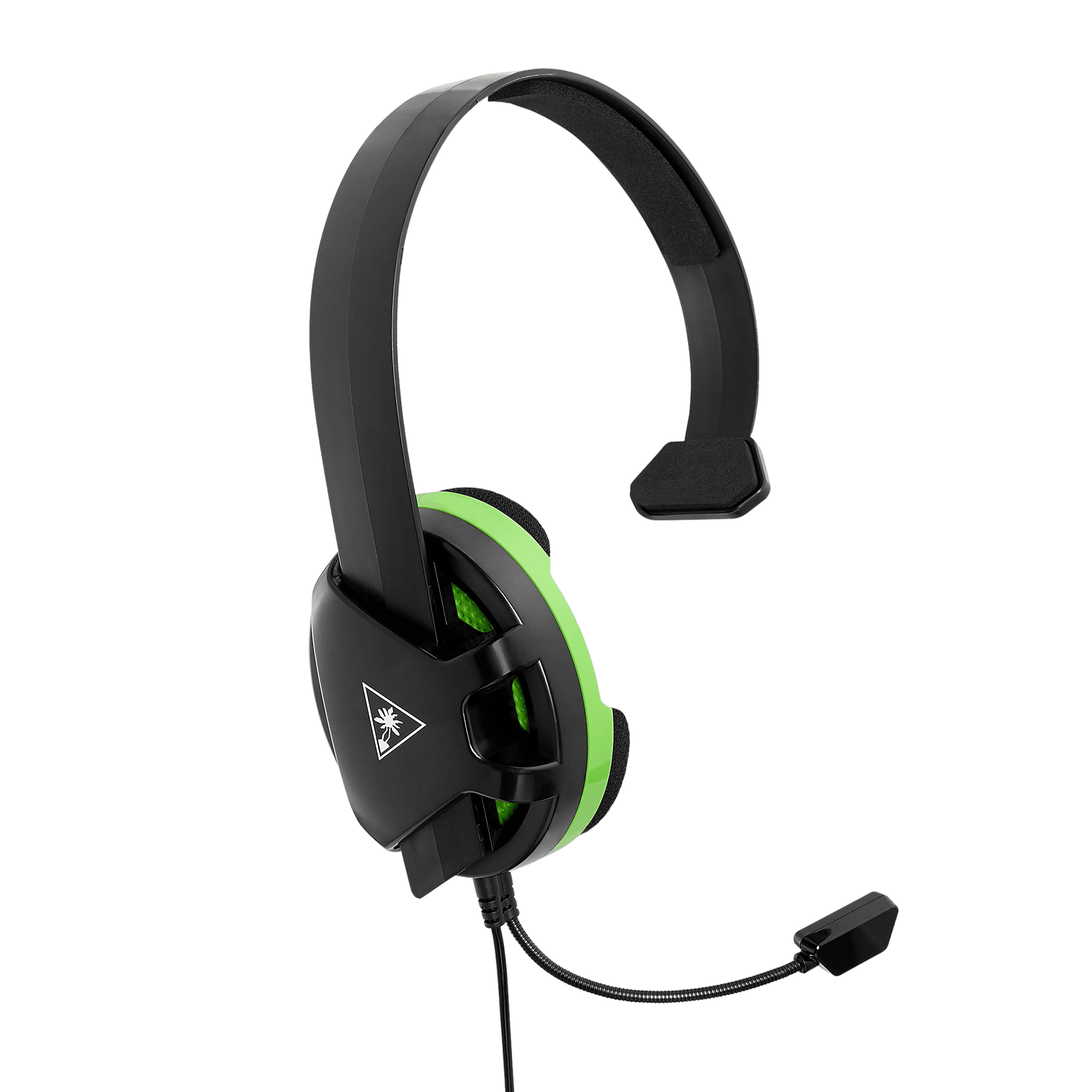
Full Turtle Beach Recon diagnostic
The Controller Benchmark runs every subsystem on your Recon — sticks, deadzone, button response, trigger range, rear quick-action buttons, rumble, latency, and connection stability — then produces a composite Controller Health Score. The potentiometer sticks are the thing to watch for drift over time at this price point.
Turtle Beach Recon hardware specifications
| Specification | Turtle Beach Recon |
|---|---|
| Connection | USB-C |
| Button count | 17 |
| Analog stick type | Potentiometer (susceptible to drift) |
| Gyroscope | No |
| Rumble / haptics | ERM motors (standard rumble) |
| Impulse triggers | Yes |
| Adaptive triggers | No |
| Touchpad | No |
| Built-in microphone | No |
| Built-in speaker | No |
| Back paddles | Yes |
| Battery life | ~0 hours |
| Weight | 230 g |
| Release year | 2021 |
| MSRP | $39.99 USD |
Recommended tests for Turtle Beach Recon
Each test runs in your browser via the Gamepad API — no install, no account, no upload. Run any individually, or use the full benchmark above.
Known Turtle Beach Recon issues
Recurring problems users report with this controller, ranked by frequency. Each links to a step-by-step fix guide.
- Common
Potentiometer sticks can drift over time
The Recon uses budget potentiometer sticks that can develop drift with heavy use. The drift test will reveal center-noise; at this price, repair often isn't economical, so persistent drift usually means replacement.
View fix guide - Occasional
Rear buttons reset to default
Some users report the two rear quick-action buttons losing their mapping and reverting to default, requiring re-mapping. If a rear button stops doing its assigned action, reprogram it via the on-controller profile controls.
View fix guide - Occasional
Audio features need a wired 3.5mm headset
Superhuman Hearing, EQ presets, and mic monitoring only work with a wired 3.5mm headset plugged into the controller. Wireless headsets still work for audio but don't receive the Recon's audio enhancements.
View fix guide
How to pair the Turtle Beach Recon
Get your controller connected before running diagnostics — wired or wireless, mobile or desktop.
Connect over USB-C
Plug the Recon into your Xbox or PC with the detachable 10ft braided USB-C cable. It's wired-only and recognized as a licensed Xbox controller.
Plug in a 3.5mm headset for audio features
Connect a wired headset to the controller's 3.5mm jack to unlock Superhuman Hearing, EQ presets, mic monitoring, and game/chat mix — Turtle Beach's signature audio advantage.
Set up rear buttons and Pro-Aim
Program the two rear quick-action buttons with up to four profiles each, and toggle Pro-Aim Focus Mode to fine-tune thumbstick sensitivity for long-range accuracy.
Press any button to confirm in the browser
Browsers gate gamepad access behind a user gesture. Press any button on the Recon to expose it to the Gamepad API, then run the benchmark or any individual test.
Turtle Beach Recon vs the competition
Head-to-head reviews against the other controllers most buyers cross-shop.
- vs
PowerA Advantage
Both are budget wired Xbox controllers; the PowerA Advantage offers a Hall-effect SKU for drift resistance, while the Recon leans on Turtle Beach's audio enhancements and Pro-Aim mode.
- vs
GameSir G7 SE
The G7 SE brings Hall-effect sticks at a similar budget price; the Recon counters with built-in audio features and rear quick-action buttons, though it sticks with potentiometer sticks.
- vs
Xbox Series X Controller
The standard Xbox pad is wireless with broad support; the wired Recon undercuts it on price and adds audio controls and rear buttons for budget-minded competitive players.
Turtle Beach Recon definitions
Plain-language definitions for the terms used on this page. Each links to the full glossary entry with thresholds, mechanism, and FAQs.
Turtle Beach Recon questions
No. The Recon is a wired controller that powers from the USB connection to your Xbox or PC, so there are no batteries. The 10ft braided USB-C cable is detachable for storage.
Plug a 3.5mm headset into the controller to access Turtle Beach's Superhuman Hearing, signature EQ presets, mic monitoring, and game/chat volume mix — audio controls built into the controller itself.
A mode that temporarily lowers thumbstick sensitivity for finer, more accurate long-range aiming — useful for lining up precise shots in shooters.
No. The Recon uses standard potentiometer sticks, which can drift over time. For drift resistance at a similar price, look at Hall-effect budget options like the PowerA Advantage HE or GameSir G7 SE.
Two rear quick-action buttons, each programmable with up to four selectable profiles, mapped directly on the controller without software.
No. The Recon is an Xbox-licensed controller for Xbox Series X|S, Xbox One, and Windows PC only.
Yes, especially on sale — it frequently drops to around $25. You get audio enhancements, rear buttons, and impulse triggers cheaply, with the main trade-off being potentiometer sticks rather than Hall-effect.
Get a full health report for your Turtle Beach Recon
Run the Controller Benchmark to score every subsystem and generate a shareable Controller Health Score graded S through F.
Run the Benchmark