Last updated: September 21, 2026
Linux gaming is getting another small but useful controller compatibility improvement.
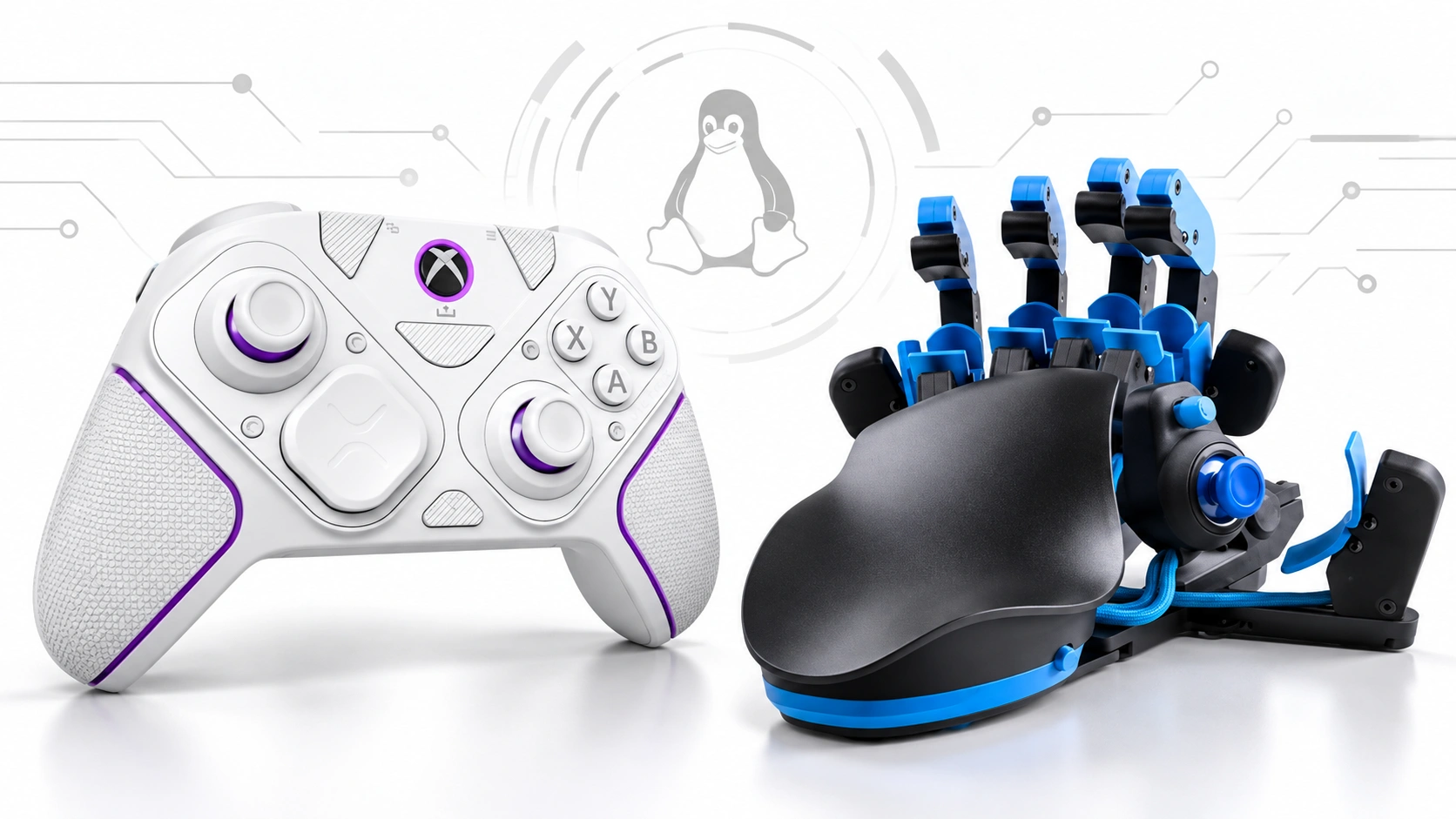
Changes to the Linux xpad driver add recognition for the PDP Victrix Pro BFG Wired Controller for Xbox and six Azeron controller families. The changes are present in the Linux 7.3-rc4 development release, which Linus Torvalds announced on September 20, 2026.
The important part is what this change actually does.
It is mainly a kernel-level device-recognition update. Linux already has the xpad driver for Xbox-style controllers; the missing piece was the device information needed to match these particular USB devices with that driver.
That means this is useful, but it should not be described as complete Linux feature support for every controller.
The newly listed Azeron devices are:
- Azeron Cyro
- Azeron Cyborg
- Azeron Classic/Compact
- Azeron Cyro Lefty
- Azeron Cyborg II
- Azeron Keyzen
The Victrix addition is specifically the PDP Victrix Pro BFG Wired Controller for Xbox.
For the underlying release, the Linux 7.3-rc4 source tree is the primary technical reference.
What changed in Linux 7.3-rc4
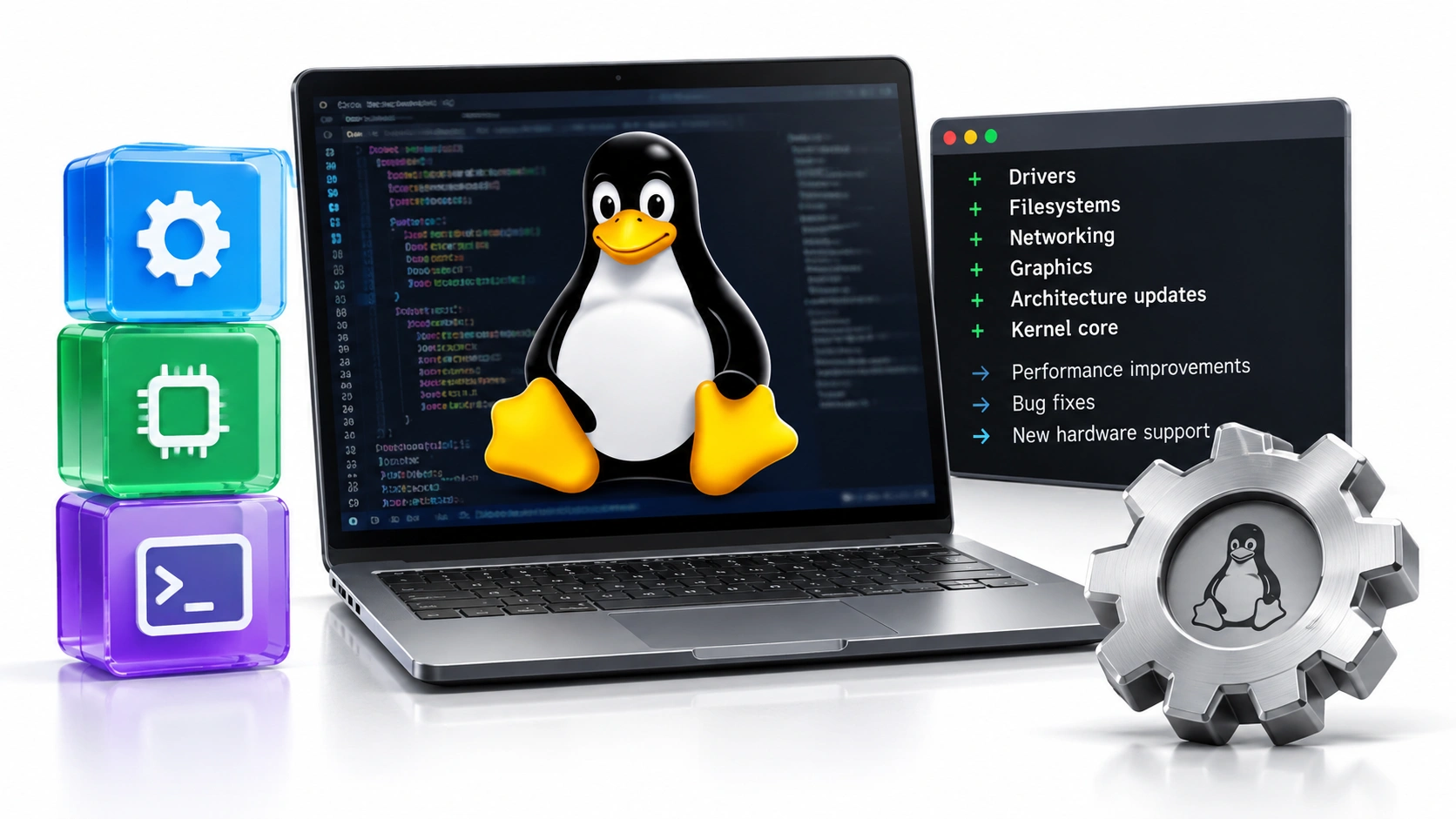
The Linux input update adds missing USB identifiers to drivers/input/joystick/xpad.c.
In simple terms, these controllers already present an input interface that can be handled by existing Xbox-style driver code. Linux previously lacked the matching device IDs for these particular models.
The Azeron patch adds six entries:
- Cyro —
0x16d0:0x1103 - Cyborg —
0x16d0:0x113c - Classic/Compact —
0x16d0:0x1192 - Cyro Lefty —
0x16d0:0x1212 - Cyborg II —
0x16d0:0x12f7 - Keyzen —
0x16d0:0x13ea
The Victrix patch adds:
- PDP Victrix Pro BFG Wired Controller for Xbox —
0x0e6f:0x024c
The Azeron patch states that these devices present a standard Xbox 360 controller interface, allowing the existing xpad driver to handle them once their USB IDs are added. The submitted patch was tested with an Azeron Keyzen.
The Victrix patch adds its USB ID to the Xbox One section of xpad. The original submission reported that the controller did not currently work through a USB cable.
The technical details are available in the Azeron xpad patch archive and Victrix xpad patch archive.
Victrix Pro BFG Gets a Proper Wired Match
The Victrix change is tiny in code but useful for owners of the affected model.
The patch adds one USB device entry and identifies the controller as an Xbox One-type device inside xpad.
For Victrix owners, the important details are:
- The patch targets the PDP Victrix Pro BFG Wired Controller for Xbox.
- The USB identifier is
0x0e6f:0x024c. - The change is made in the existing
xpaddriver. - The change concerns wired USB recognition.
- A Linux system needs a kernel containing the change before it can benefit from it.
- This does not confirm support for every Pro BFG model or connection mode.
That last point matters because controller families can contain different hardware revisions and platform-specific versions.
Azeron Support Covers Six Device Families
Azeron's addition is broader than the Victrix change.
The Linux patch adds six Azeron device IDs to the Xbox 360 section of xpad:
- Azeron Cyro
- Azeron Cyborg
- Azeron Classic/Compact
- Azeron Cyro Lefty
- Azeron Cyborg II
- Azeron Keyzen
All six use the 0x16d0 vendor ID in the submitted patch.
The reason this can remain a relatively small kernel change is that the devices expose a standard Xbox 360 controller interface. The existing driver can therefore handle the input protocol once Linux knows which USB IDs belong to the devices.
One limitation is worth keeping clear. The submitted patch says it was tested with an Azeron Keyzen. That supports the patch implementation, but it would be too strong to claim that every listed Azeron model received identical physical testing during the submission.
Why the xpad Change Matters
The xpad driver is already used for many Xbox-style controllers on Linux.
When a controller is missing from the driver's hardware matching table, the operating system may see the USB device without exposing it through the expected gamepad interface.
Adding the correct device information can improve the basic path from controller into the operating system.
That can mean:
- Better USB controller detection
- Existing Xbox-style input handling
- A better chance that games see the device normally
- Less need for user-created workarounds
- More consistent support when distributions ship the newer kernel code
This is why a small kernel change can matter to gamers.
The size of the patch is not the size of its effect.
What the Update Does and Does Not Change
It would be misleading to call this complete Linux support for every feature of every device.
Kernel recognition is only one layer of the controller software stack.
A modern controller can depend on separate software for:
- Button remapping
- Firmware updates
- Profile management
- Macro configuration
- Lighting
- Trigger settings
- Stick calibration
- Wireless modes
- Device diagnostics
A kernel driver does not automatically provide those functions.
The practical distinction is:
- USB recognition: improved for the newly listed devices.
- Basic gamepad input: handled through existing
xpadlogic. - Advanced configuration: still depends on other software and platform support.
- Firmware tools: separate from kernel recognition.
- Wireless support: should not be assumed from a wired USB patch.
- Every model in a product family: not automatically covered by one device ID.
The key rule is simple: kernel support and product software support are not the same thing.
Azeron's Linux Software Situation Is Also Changing
There is another development worth noting for Azeron users.
Azeron's current Software 2.0.2 page lists a Linux download marked as experimental. The software supports key remapping, macros, analog thumbstick adjustment and profiles. Azeron's 2.0.2 changelog also specifically mentions stability and backend improvements for Linux users.
The current situation is therefore more positive than older Azeron documentation may suggest.
Users should still pay attention to version numbers because older v1.x documentation can describe different platform support.
The practical situation is:
- Azeron Software 2.0.2 has a Linux download.
- Azeron marks the Linux download as experimental.
- The 2.0.2 changelog includes Linux-specific improvements.
- Older documentation may contain different compatibility information.
- Kernel
xpadsupport and Azeron's configuration software remain separate systems.
Check the current Azeron Software 2.0 page before relying on older Linux compatibility information.
When Will Linux Users Actually Get the Change?
The patches are present in the Linux 7.3-rc4 development line.
Linus Torvalds announced Linux 7.3-rc4 on September 20, 2026. A release candidate is part of the development process, so its presence does not mean every Linux distribution immediately ships that exact kernel.
A distribution may:
- Ship an older stable kernel
- Move to a newer kernel later
- Backport individual patches
- Apply its own kernel changes
- Keep the new support out until a distribution update
So a user can read that Linux has added support while still finding that their own system does not recognize the controller.
How to Check Your Linux Controller Support
You do not need to guess whether your system has the new support.
Start with the kernel version:
uname -r
This shows the kernel currently running on the machine.
Then check whether Linux can see the USB device:
lsusb
You can also check whether the xpad module is loaded:
lsmod | grep xpad
If the controller is not detected, check the kernel log:
dmesg | grep -i -E 'xpad|victrix|azeron|usb'
After the operating system detects the controller, test its actual inputs.
Check:
- Sticks or keypad controls
- Face buttons
- Triggers
- D-pad
- Rear controls
- Rumble
- Any motion features exposed to Linux
The important sequence is:
USB detection → kernel driver → gamepad interface → game → controller features
A failure at one stage does not necessarily mean every stage is broken.
Why this is a useful change for Linux gaming
The most important part of this update is not a new controller feature.
It is the removal of a small compatibility gap.
Victrix's wired Xbox controller and Azeron's specialist keypad-style controllers can use existing Linux driver infrastructure rather than requiring completely separate input drivers for these device variants.
For Linux gamers, that can mean:
- Fewer controllers that connect but fail to register correctly
- Less manual work just to get basic input
- Better support for specialist controllers
- Easier testing of buttons and analog inputs
- A cleaner path for games and other input software
For controller makers, there is another lesson. When hardware already exposes a common input interface, upstreaming the correct USB identifiers can solve a compatibility problem without creating an entirely new driver.
That is a good pattern for Linux hardware support.
Why Controller Recognition Is Only the First Test
Linux support gets the controller into the operating system, but it does not prove that every input behaves correctly.
A controller can be detected while still having:
- A large stick deadzone
- Unwanted stick movement
- Button registration problems
- Trigger range issues
- Input timing inconsistencies
- Connection dropouts
GPADLAB's Controller Latency Test can measure browser-observed controller state-change intervals once Linux exposes the device through the browser's Gamepad API. This is not a laboratory button-to-screen latency measurement; it measures what the browser observes.
For broader context on modern controller hardware, GPADLAB's Tunnel Magnetoresistance (TMR) Joysticks: What Matters explains why controller technology and real-world controller performance are separate questions.
A device first needs to be recognized.
Then its actual behaviour can be measured.
What Linux Users Should Check Before Updating
If you own one of the affected controllers, do not assume that installing any new kernel will automatically fix every problem.
Check the following:
- Confirm the exact controller model.
- Check whether you are using USB or wireless.
- Run
uname -r. - Run
lsusb. - Check whether
xpadis loaded. - Check the kernel log if the device is missing.
- Test the controller after detection.
- Check the manufacturer's current Linux software if advanced configuration is required.
For Azeron owners, also check the current Software 2.0.2 information because kernel recognition and configuration software have different roles.
For Victrix owners, pay particular attention to the exact wired Xbox Pro BFG model covered by the patch.
The Summary Line for Victrix and Azeron Owners
The Linux 7.3-rc4 input changes are small kernel patches with a useful practical effect.
The PDP Victrix Pro BFG Wired Controller for Xbox receives a specific xpad device entry for USB ID 0x0e6f:0x024c.
Six Azeron families are added:
- Cyro
- Cyborg
- Classic/Compact
- Cyro Lefty
- Cyborg II
- Keyzen
The important limitation is that this is kernel-level controller recognition, not a guarantee that every advanced hardware feature or configuration application works on Linux.
For users, the takeaway is simple:
- Check the exact controller model.
- Check your kernel version.
- Do not confuse USB recognition with full feature support.
- Check Azeron's current Linux software separately.
- Test the controller after Linux detects it.
- Remember that distribution kernel timing can differ from upstream Linux releases.
The bigger story is that Linux gaming continues to close small hardware-support gaps. For a controller that previously failed to work correctly through USB, a small xpad patch can make the difference between needing a workaround and simply plugging the device in and playing.
Common questions
Which Victrix controller gained Linux xpad support?+
Which Azeron controllers were added to Linux xpad?+
What changed in Linux 7.3-rc4?+
Does this mean every Azeron feature works on Linux?+
How can I check my Linux kernel version?+
Does Azeron have Linux software?+
Gaming and controller enthusiast with 8 years of experience testing, using, and troubleshooting gaming controllers and related accessories. Specializes in practical controller guides, setup solutions, troubleshooting tips, and real-world gaming advice.