BIGBIG WON Rainbow 2 Pro Controller Test
The BIGBIG WON Rainbow 2 Pro controller test runs a full diagnostic on this feature-dense Switch Pro alternative in your browser — verifying the high-resolution ALPS sticks, Hall-effect triggers, GYROCON+ gyro, and remappable back buttons. Connect over the 2.4G dongle, Bluetooth, or USB-C, press any button, and get a Controller Health Score graded S through F.
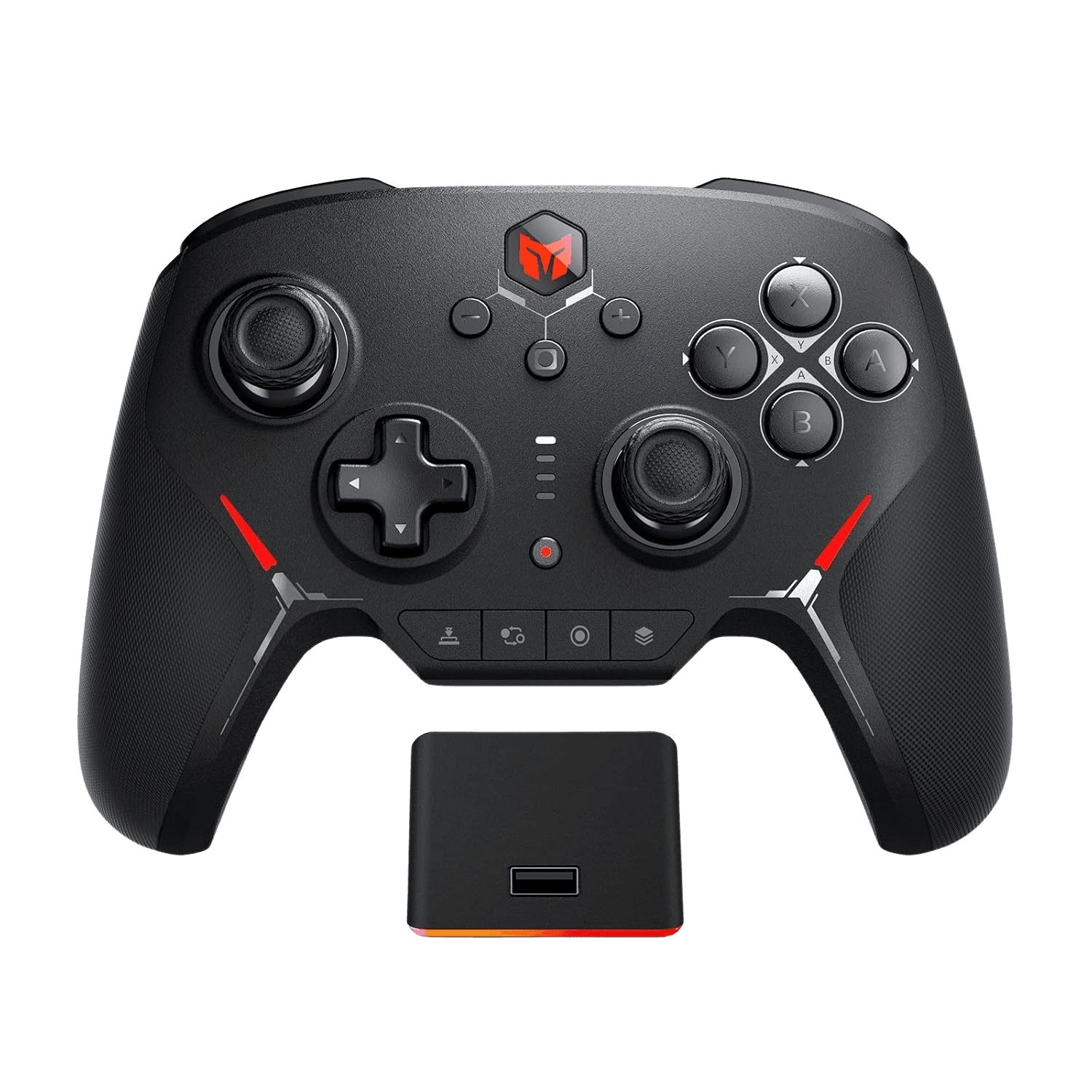
Full BIGBIG WON Rainbow 2 Pro diagnostic
The Controller Benchmark runs every subsystem on your Rainbow 2 Pro — ALPS sticks, deadzone, circularity, button response, Hall trigger range, back buttons, rumble, gyro, latency, and connection stability — then produces a composite Controller Health Score. The sticks use software adaptive calibration to keep the deadzone near zero, so run the stick-drift test periodically to catch any potentiometer wear early.
BIGBIG WON Rainbow 2 Pro hardware specifications
| Specification | BIGBIG WON Rainbow 2 Pro |
|---|---|
| Connection | 2.4GHz Wireless Dongle, Bluetooth, USB-C |
| Button count | 20 |
| Analog stick type | Potentiometer (susceptible to drift) |
| Gyroscope | Yes |
| Rumble / haptics | ERM motors (standard rumble) |
| Impulse triggers | No |
| Adaptive triggers | No |
| Touchpad | No |
| Built-in microphone | No |
| Built-in speaker | No |
| Back paddles | Yes |
| Battery life | ~8 hours |
| Weight | 240 g |
| Release year | 2024 |
| MSRP | $64.99 USD |
Recommended tests for BIGBIG WON Rainbow 2 Pro
Each test runs in your browser via the Gamepad API — no install, no account, no upload. Run any individually, or use the full benchmark above.
Stick Drift Test
Detect unwanted analog input at rest
Deadzone Test
Measure your stick’s deadzone radius
Circularity Test
Visualize stick travel as a circle
Trigger Pressure
Verify full analog range on triggers
Button Test
Check every button responds instantly
Vibration Test
Test both rumble motors independently
Gyro Test
Test 6-axis motion sensors
Polling Rate
Measure inputs reported per second
Known BIGBIG WON Rainbow 2 Pro issues
Recurring problems users report with this controller, ranked by frequency. Each links to a step-by-step fix guide.
- Common
Sticks are ALPS potentiometers, not Hall-effect
Despite some listings labeling them 'Hall-effect,' the Rainbow 2 Pro's sticks are high-resolution ALPS potentiometers with software adaptive calibration — only the triggers are true Hall-effect. Potentiometers can develop drift over years of use, so run the stick-drift test periodically. The adaptive calibration delays but does not eliminate eventual wear.
View fix guide - Common
Does not work on Xbox or PlayStation consoles
The Rainbow 2 Pro supports PC, Switch, Android, and iOS over Bluetooth, 2.4G, or wired — but it is not licensed for Xbox or PlayStation consoles.
View fix guide - Occasional
Switching from XInput to Switch mode is fiddly
Reviewers note the button combos for changing modes (e.g., Home + 3 for 2.4G) are easy to mis-enter. For wired Switch use you must first enable 'Pro Controller Wired Communication' in System Settings, and for Steam, tick 'Xbox Configuration Support.'
View fix guide
How to pair the BIGBIG WON Rainbow 2 Pro
Get your controller connected before running diagnostics — wired or wireless, mobile or desktop.
Pick a mode
The Rainbow 2 Pro connects wired over USB-C, via Bluetooth, or through the included 2.4G dongle. The 3.5mm audio jack works when connected over 2.4G.
2.4G or Bluetooth
For 2.4G, plug in the dongle and hold Home + 3 to switch to 2.4G mode. For Bluetooth, enter pairing from the controller and select it in your device's menu.
Enable wired Switch communication if needed
To use it wired on Switch, turn on System Settings > Controllers and Sensors > 'Pro Controller Wired Communication' first. For Steam, enable 'Xbox Configuration Support' in controller settings.
Press any button to confirm in the browser
Browsers gate gamepad access behind a user gesture. Press any button on the Rainbow 2 Pro to expose it to the Gamepad API, then run the benchmark or any individual test.
BIGBIG WON Rainbow 2 Pro vs the competition
Head-to-head reviews against the other controllers most buyers cross-shop.
- vs
8BitDo Ultimate
The 8BitDo Ultimate has true Hall-effect sticks and a more stable connection; the Rainbow 2 Pro counters with brighter RGB, GYROCON+ motion aiming, and swappable sticks/D-pad — but uses ALPS potentiometer sticks.
- vs
Switch Pro Controller
At a similar price, the Rainbow 2 Pro adds back buttons, RGB, Hall triggers, and remapping over the official Pro Controller — though both rely on potentiometer sticks that can drift over time.
- vs
GameSir Cyclone 2
The Cyclone 2 uses drift-immune TMR sticks; the Rainbow 2 Pro offers more customization (swappable parts, GYROCON+, deeper app control) but with ALPS potentiometer sticks instead.
BIGBIG WON Rainbow 2 Pro definitions
Plain-language definitions for the terms used on this page. Each links to the full glossary entry with thresholds, mechanism, and FAQs.
BIGBIG WON Rainbow 2 Pro questions
No — despite some retail listings saying 'Hall-effect,' the sticks are high-resolution ALPS potentiometers with software adaptive calibration. Only the triggers are true Hall-effect. A hands-on teardown confirmed the potentiometer sticks.
Possibly. Potentiometer sticks wear with use and can develop drift after years of play. The adaptive calibration keeps the center clean for a while, but it delays rather than eliminates wear — run the stick-drift test periodically.
No. The Rainbow 2 Pro works on PC, Switch, Android, and iOS, but it is not licensed for Xbox or PlayStation consoles.
Yes — the triggers are genuine Hall-effect with adjustable trigger locks, offering short-pull for shooters and full analog travel for racing games. The Hall label is accurate for the triggers, not the sticks.
BIGBIG WON's 6-axis motion-aiming technology. It maps the gyro for precise aim on PC and Switch, configurable through the ELITE app.
Yes. The Rainbow 2 Pro includes interchangeable thumbsticks and a swappable D-pad so you can tune the feel per game genre. The fuller bundle adds extra caps and a charging dock.
Around six to eight hours with RGB at full brightness. Turning the lighting down extends it, and the optional RGB charging dock makes topping up between sessions easy.
Get a full health report for your BIGBIG WON Rainbow 2 Pro
Run the Controller Benchmark to score every subsystem and generate a shareable Controller Health Score graded S through F.
Run the Benchmark